
AAC & Speech Synthesis
Zip EasySpeak & EasySpeakAI
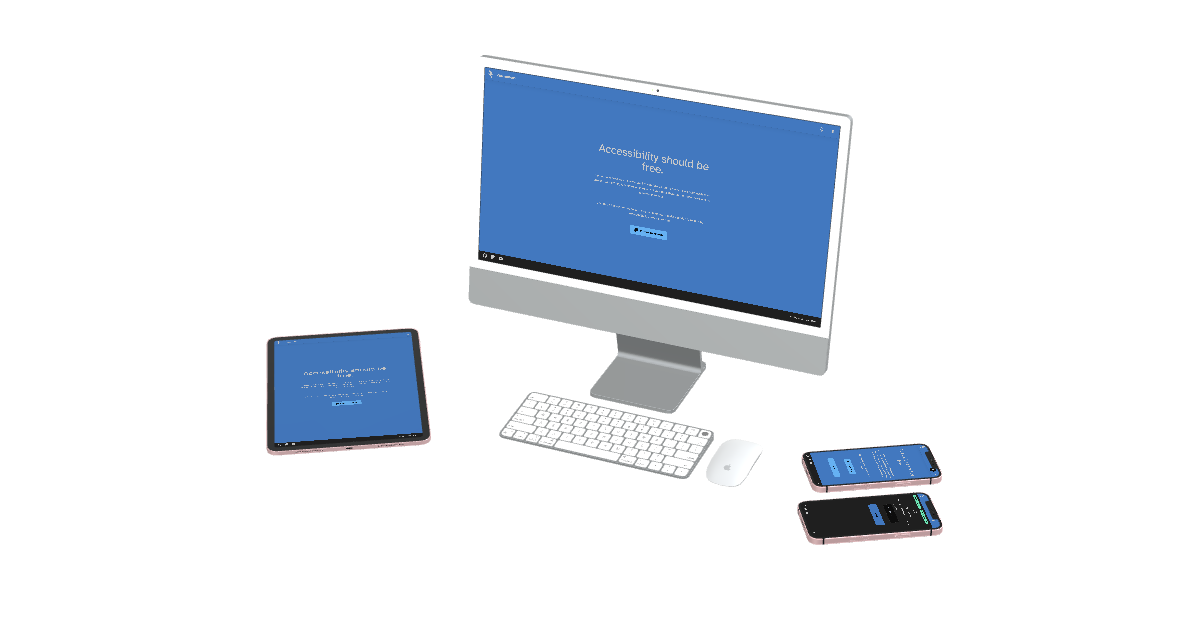
Zip EasySpeak is a free, open-source, and fully customizable Augmentative and Alternative Communication (AAC) dashboard. Designed for accessibility and ease of use, it runs directly in your browser and works offline, making it a reliable voice for anyone, anywhere.
Key Capabilities
Engineered for effortless accessibility, reliability, and speed.
Two Interaction Modes
Direct Mode speaks immediately on touch for quick requests. Sentence Builder constructs full phrases in an on-screen strip (e.g., 'I' + 'Want' + 'Apple') before vocalizing.
100% Private On-Device AI
EasySpeakAI provides 3 smart next-word suggestions powered by an offline LLM running entirely inside your local browser—keeping all communications strictly confidential.
Location & Time Aware Predictions
The AI engine adapts predictions dynamically using your selected location and the current time of day. Fully controllable and can be disabled in settings anytime.
QWERTY & ABC Keyboards
EasySpeakAI adds integrated virtual keyboards so literate communicators can type out custom words, supported by the continuous next-word prediction engine.
OpenSymbols & ARASAAC Search
Search thousands of standardized AAC symbols instantly, or upload personal photos and emojis that stay saved offline in your board backup.
Admin PIN & Modular Merging
Protect board configurations with an administrative PIN lock. Export your entire system to a single file or merge shared topic pages without overwriting existing boards.
Download & Quick Access
Access EasySpeak directly in your browser, install native apps, or explore guides and community support channels.



Comprehensive AAC Feature Set
EasySpeak provides essential tools for daily communication, while EasySpeakAI adds on-device intelligent predictive features.
🗣️ Powerful Communication
- Two Interaction Modes: Direct Mode speaks words instantly on button tap. Sentence Builder constructs complete thoughts in a sentence strip (
I+Want+Apple) before vocalizing. - Natural Voices: Uses your device's built-in high-quality text-to-speech engines.
- Offline Capable: Works reliably without any active internet connection once loaded.
- AI Predictions: EasySpeakAI suggests 3 contextual words using an offline on-device LLM. Fully private.
- Location & Time Awareness: Improves predictions based on location context and time of day (configurable in settings).
- QWERTY & ABC Keyboards: Includes keyboard layouts for custom typing with real-time word predictions.
🎨 Fully Customizable
- Visual Editor: Easily add, edit, rearrange, or delete buttons, colors, and entire pages.
- Symbol Search: Integrated search powered by OpenSymbols & ARASAAC offers thousands of standardized AAC symbols.
- Image & Emoji Support: Upload custom photos or choose emojis. All images are stored offline directly in your device backup file.
- Smart Page Linking: Create linked pages that automatically guide grammar flow (e.g., clicking "I" automatically opens the "Action Words" page).
🔒 Secure & Portable
- Admin PIN Lock: Lock the editing mode and settings menu behind a PIN code to prevent accidental modifications by students or clients.
- Single-File Backup & Restore: Save your entire board layout and media into a single portable backup file.
- Merge Import: Import single pages shared by teachers or therapists (e.g., a "Science Class" board) without overwriting your current board setup.
- Open Source: Built cleanly with React and Vite, transparently developed for the community.
🤖 Build Pages Faster with AI
Don't want to build pages from scratch? We have created a custom Gemini Gem that can generate complete, color-coded AAC pages for you in seconds.
How to use the Gemini Gem:
- Open the Zip EasySpeak Page Generator.
- Ask for a topic (e.g., "Make me a page for a trip to the Zoo").
- The AI will generate a
.jsoncode block. - Paste that code into the tool below and click download (e.g., save it as
zoo.json). - In Zip EasySpeak, go to Settings > Data and select "Import Page (Merge)".
Save Your AI Generated Page JSON
Paste the JSON code block generated by the Gemini Gem below, name your file, and click download to save it directly to your device for importing into Zip EasySpeak.
📂 Community Resources
We maintain a library of pre-made pages and board layouts to help you get started quickly. You can download specific topic pages and import them directly into your app.
🚀 Progressive Web App (PWA) Installation
Easy Speak AI is available as a Progressive Web App (PWA). You don't need to go to an app store to download it; install it directly from your web browser to use it completely offline!
Installing on an iPad or iPhone (Safari)
- Open the Easy Speak AI website in Safari.
- Tap the Share icon (the square with an arrow pointing up).
- Scroll down and tap "Add to Home Screen".
- Tap "Add". The app will appear on your home screen like a regular app.
Installing on Android (Chrome)
- Open the Easy Speak AI website in Google Chrome.
- Tap "Add Easy Speak AI to Home screen" if prompted.
- If not prompted, tap the Three Dots (Menu) in the top right.
- Tap "Install app" or "Add to Home screen".
Installing on a Computer (Chrome/Edge)
- Open the website in Google Chrome or Microsoft Edge.
- Look at the right side of the address bar for the small Install icon.
- Click it and select "Install".
At a Glance
Good to know before you start
Installable on iPads, iPhones, Android tablets, Chromebooks, Macs, and Windows PCs.
Runs entirely on your device without needing an internet connection. No speech data ever leaves your hands.
Includes free integrated ARASAAC and OpenSymbols libraries, with support for emojis and your own uploaded pictures.
Completely free, with zero ads or subscriptions. Designed openly for teachers, families, and individuals.
Give voice to communication
Get started with Zip EasySpeak today—free, open-source, and accessible everywhere.